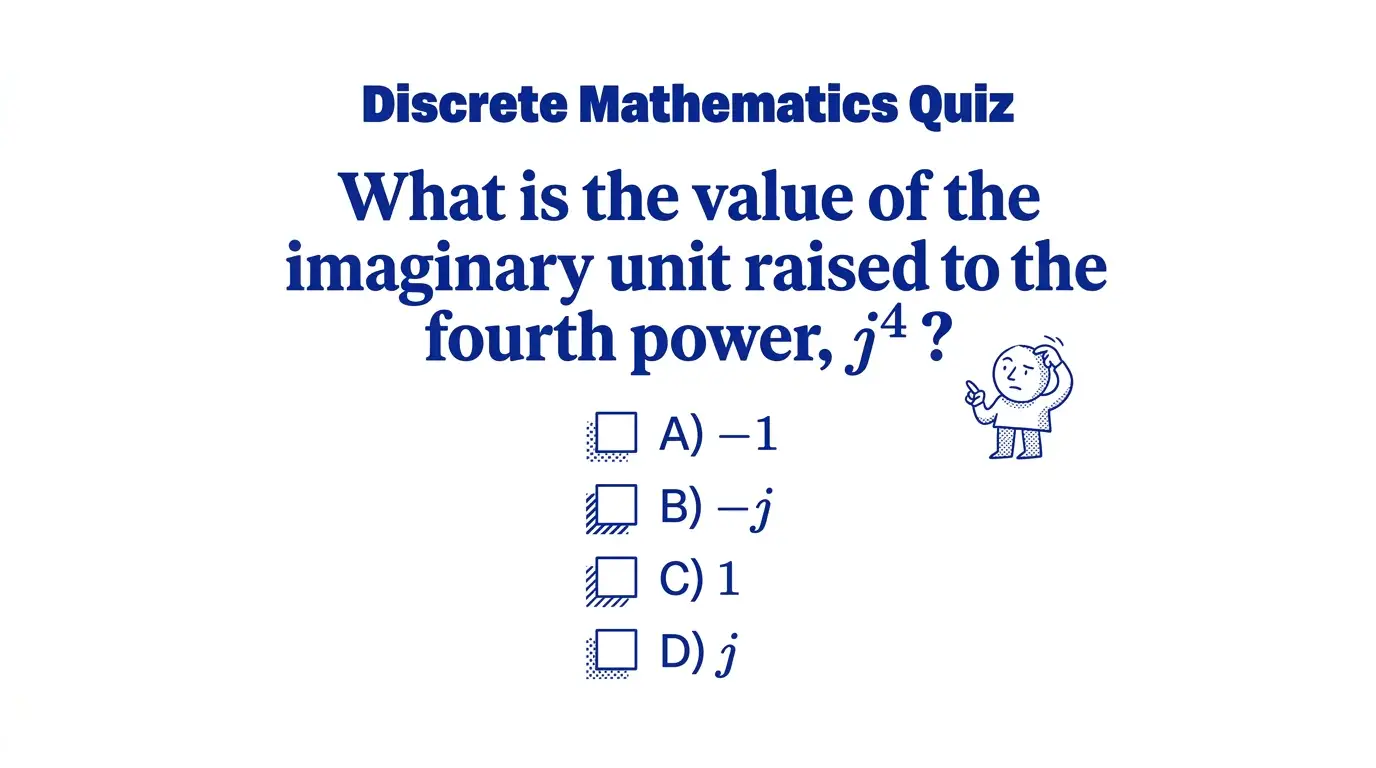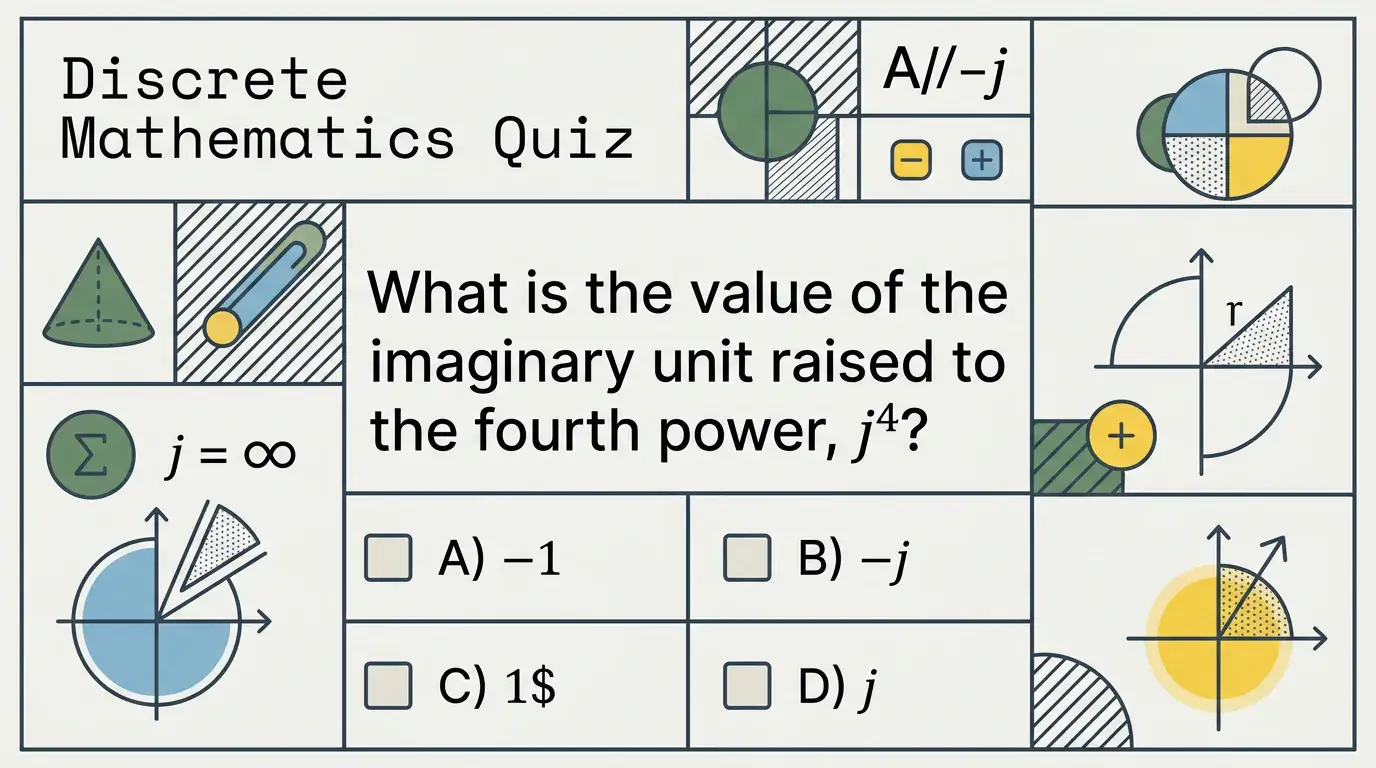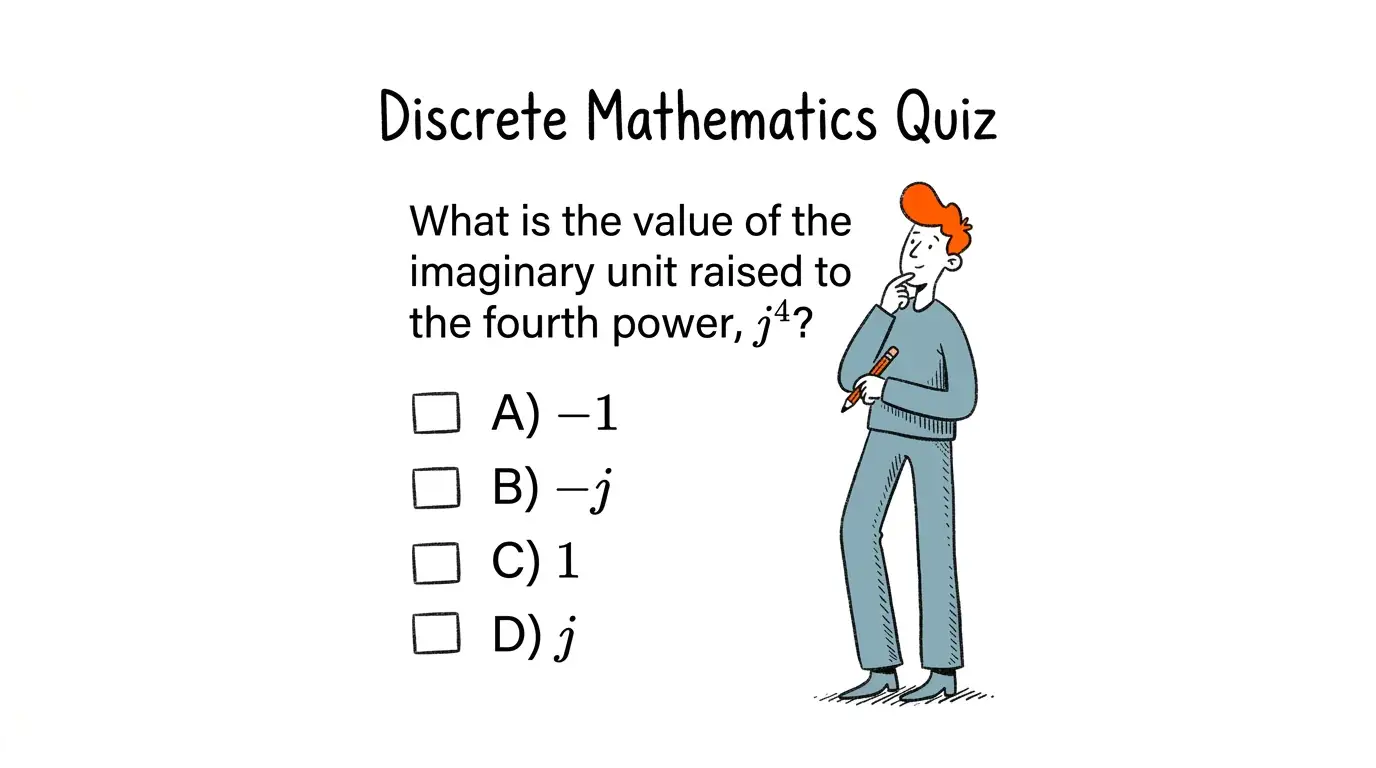


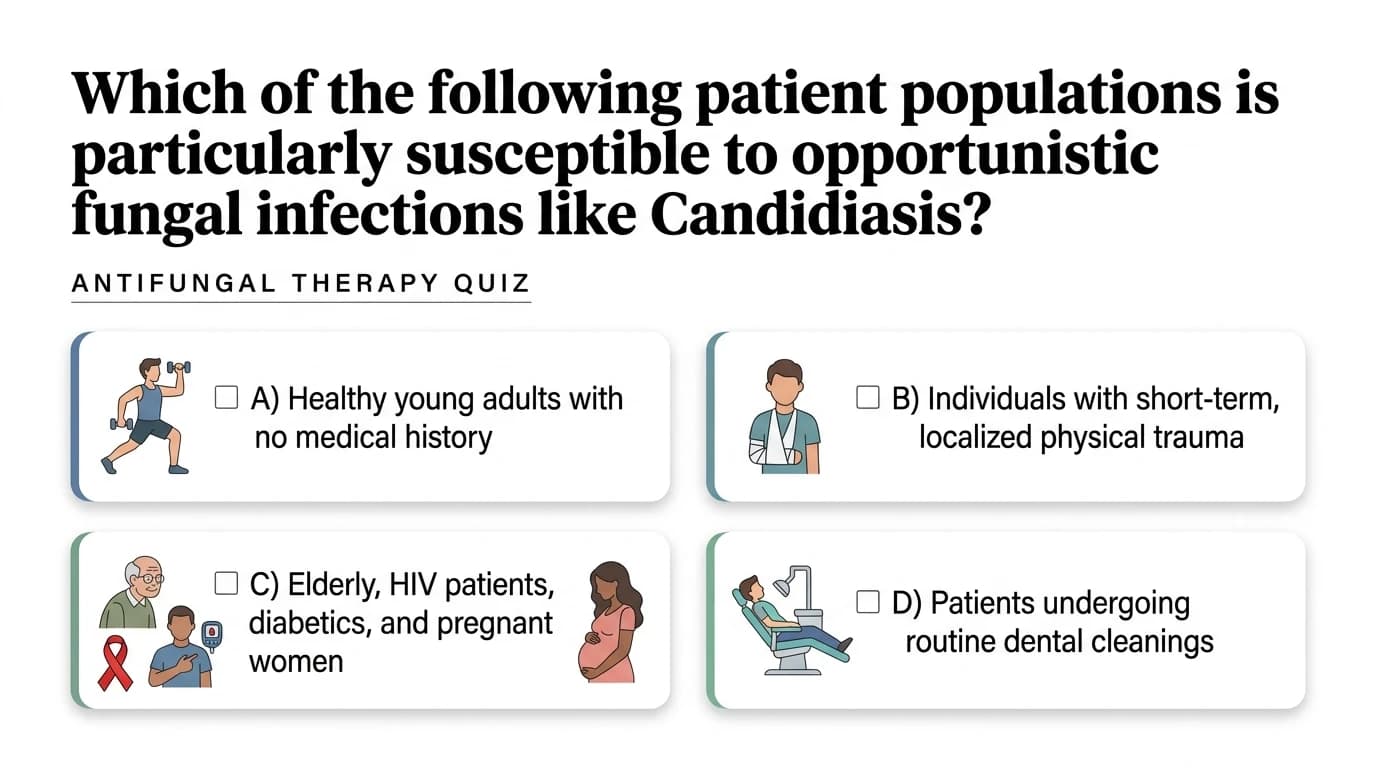
Medical multiple-choice quizzes.
Medical multiple-choice quizzes.

Fill-in-the-blank quizzes.

Matching practice quizzes.

True or false practice.
“Practice questions without writing them myself.”
“I upload my notes and get a full practice quiz in seconds. MyLens spots the concepts that matter—and I find gaps before the real test.”
“Quiz agent turns notes into practice.”
“After I build a study visual, I switch to the Quiz agent on the same material. Practice questions appear without me writing them—and I spot gaps before test day.”
“My students actually do the review.”
“I generate a quiz from the same lesson visual we used in class. Students click through questions at home—and I see what they missed before the unit test.”
“Saves hours of question writing.”
“I turn textbooks and standards into practice quizzes for every unit. It's a game-changer when I need review ready in minutes, not hours.”
“Perfect for homeschool check-ins.”
“After each lesson I run the Quiz agent on our materials. My kids practice without me writing dozens of questions—and I know what to reteach.”
“Best tool for study groups.”
“We build shared quizzes from the same source notes. Everyone practices the same concepts and review sessions are way more focused.”
We never use your data to train our AI models, never share your data with others, and your information always remains yours.

An AI quiz generator turns PDFs, videos, links, notes, and documents into practice quiz questions. MyLens helps teachers and educators create clear questions, visual summaries, and better learning experiences from the material they already use.
Yes. Upload PDFs, textbooks, worksheets, YouTube videos, links, screenshots, notes, CSV files, and more. MyLens extracts the key ideas and turns them into useful quiz questions.
Most quiz generators only create questions. MyLens helps learners understand the material first by turning the same source into mind maps, timelines, tables, flowcharts, or quadrants—then creating a quiz from the key insights.
MyLens can generate multiple-choice, true or false, short-answer, key concept, vocabulary, comprehension, review, and exam-style practice questions.
Yes. Students can upload their own notes, PDFs, and study materials to create practice questions and find gaps before test day.
Yes. Start creating quizzes with MyLens AI for free and explore the main features before upgrading.