



Genealogy Projects
Grow a readable tree as you add relatives—without redrawing the whole chart.Create Living AI Family Trees
Add names and ties—get a genealogy tree you can open person by person.
Unlimited themes help you present a polished look to different audiences.
Loading composer
What to visualize?
Same visual. Endless theme looks.
Switch colors, typography, and layout in one click—pick the style that fits your audience.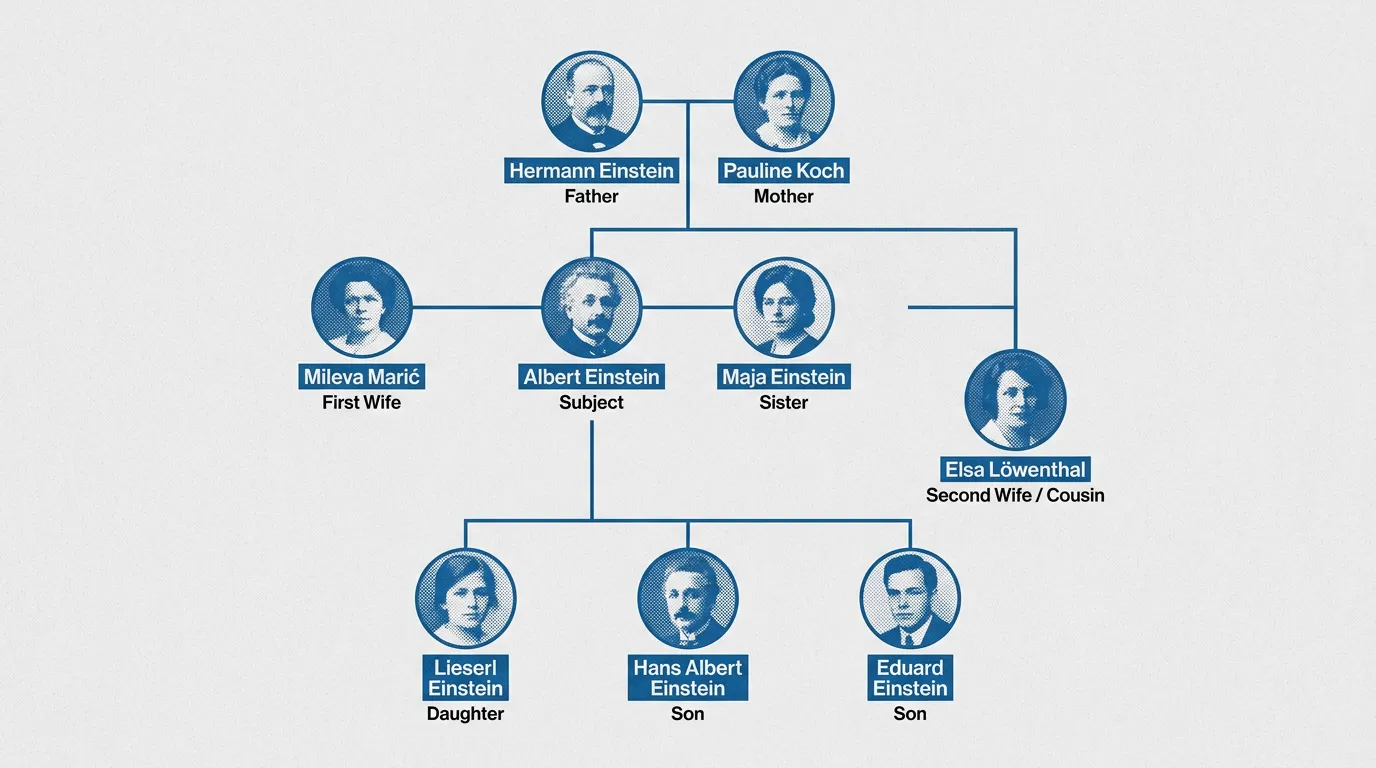
Hear Your Visual Come Alive
One click turns a silent diagram into a guided walkthrough—AI narrates the story while you keep exploring every clickable part.How It Works
Use Family Trees Anywhere
History & Literature Classes
Teach dynasties and casts with a clear tree students can review.Books & Articles
Export Family Trees that clarify who’s who for readers.Research Presentations
Walk through generations live—open a person and explain their place in the lineage Ready to present.Safe and secure
We never use your data to train our AI models, We never share your data with others, Your information always remains yours

Questions & Answers
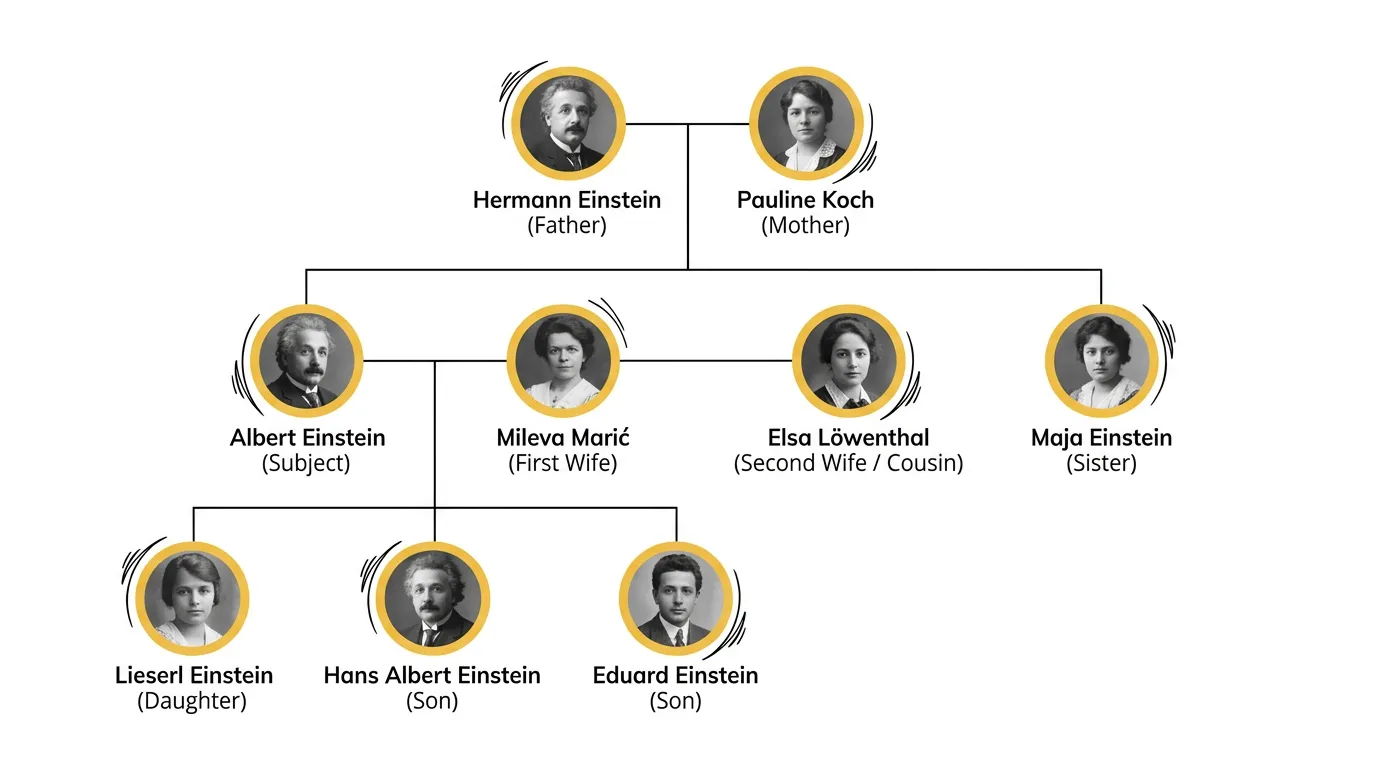
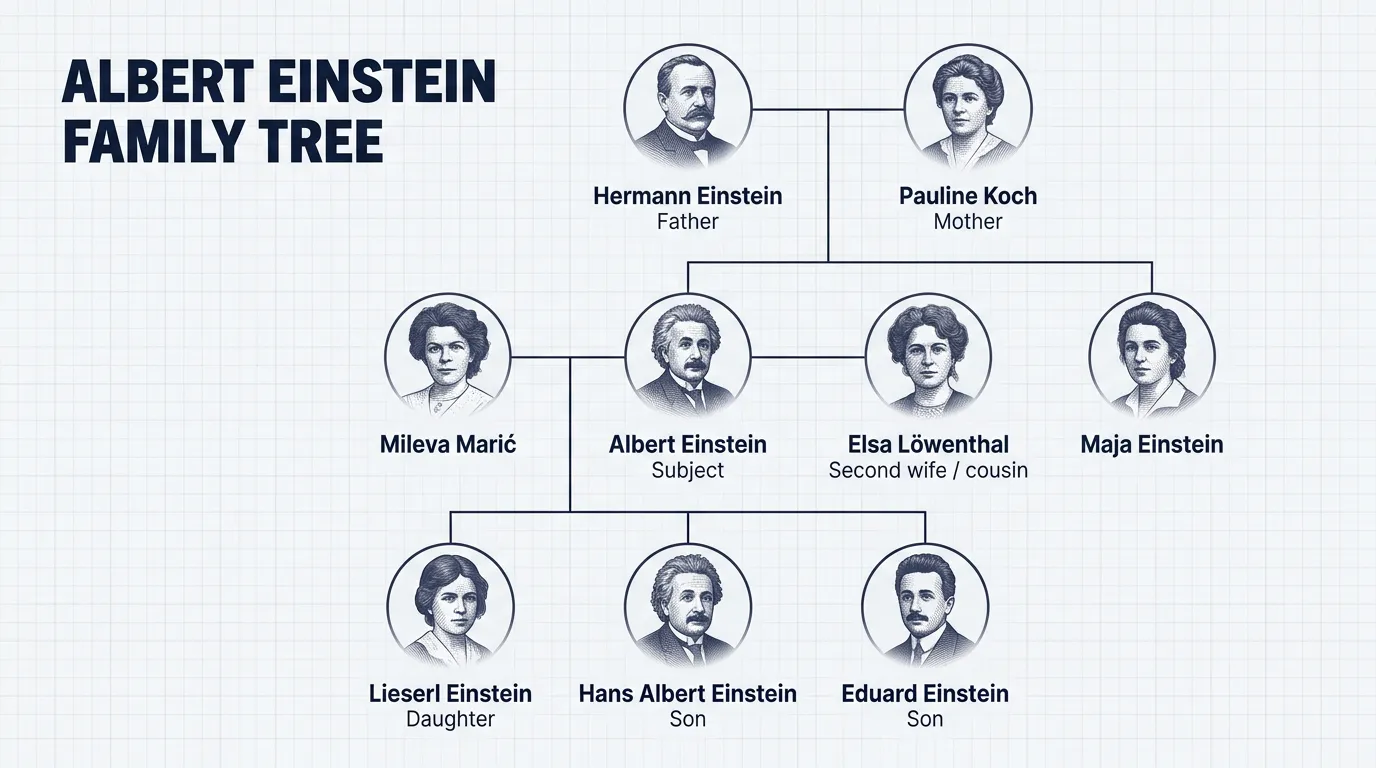
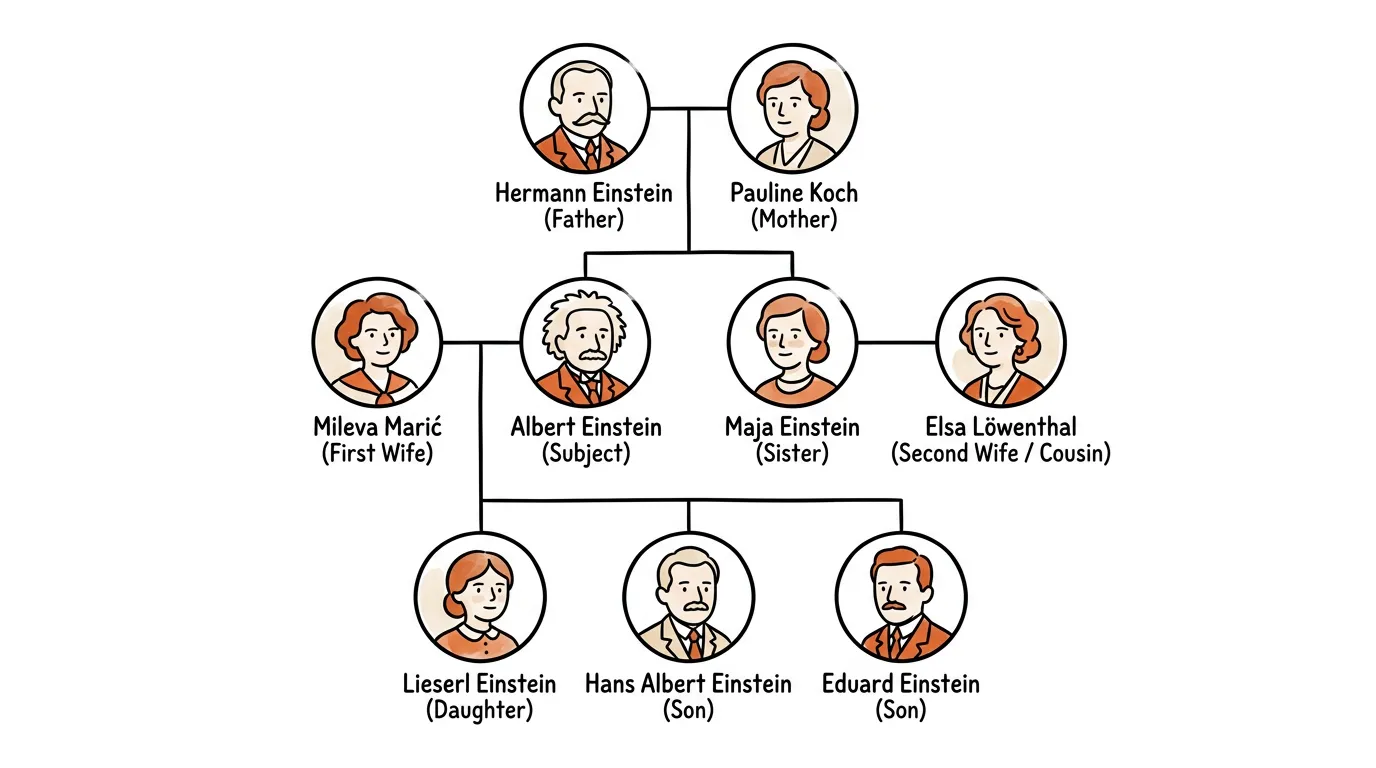
An AI Family Tree generator turns relationship notes or documents into a generational branching tree of individuals, unions, and descent.
Describe the lineage or upload a source in the magic box. MyLens locks to the Family Tree visual, builds a Canvas diagram that follows the Family Tree guide, and lets you edit it, use AI visual actions, and present it.
MyLens Family Trees include AI visual actions—not just a flat export. Use Explain, Cite, or Expand on the visual—and the layout follows a dedicated Family Tree guide.
Yes. Paste notes or upload bios and documents and MyLens extracts people and generational relationships.
Yes. Export from MyLens in formats such as PNG, PDF, and PowerPoint for research and presentations.
Yes. MyLens lets you create Family Trees for free so you can try the full MyLens experience before upgrading.
Yes. Explore more visuals from the Visuals hub, including Sankey Flow, Timeline, Mind Map, and more.