

Mini lessons for homeschool science.
Mini lessons for homeschool science.
.webp&w=3840&q=75)
Medical topics, one visual.
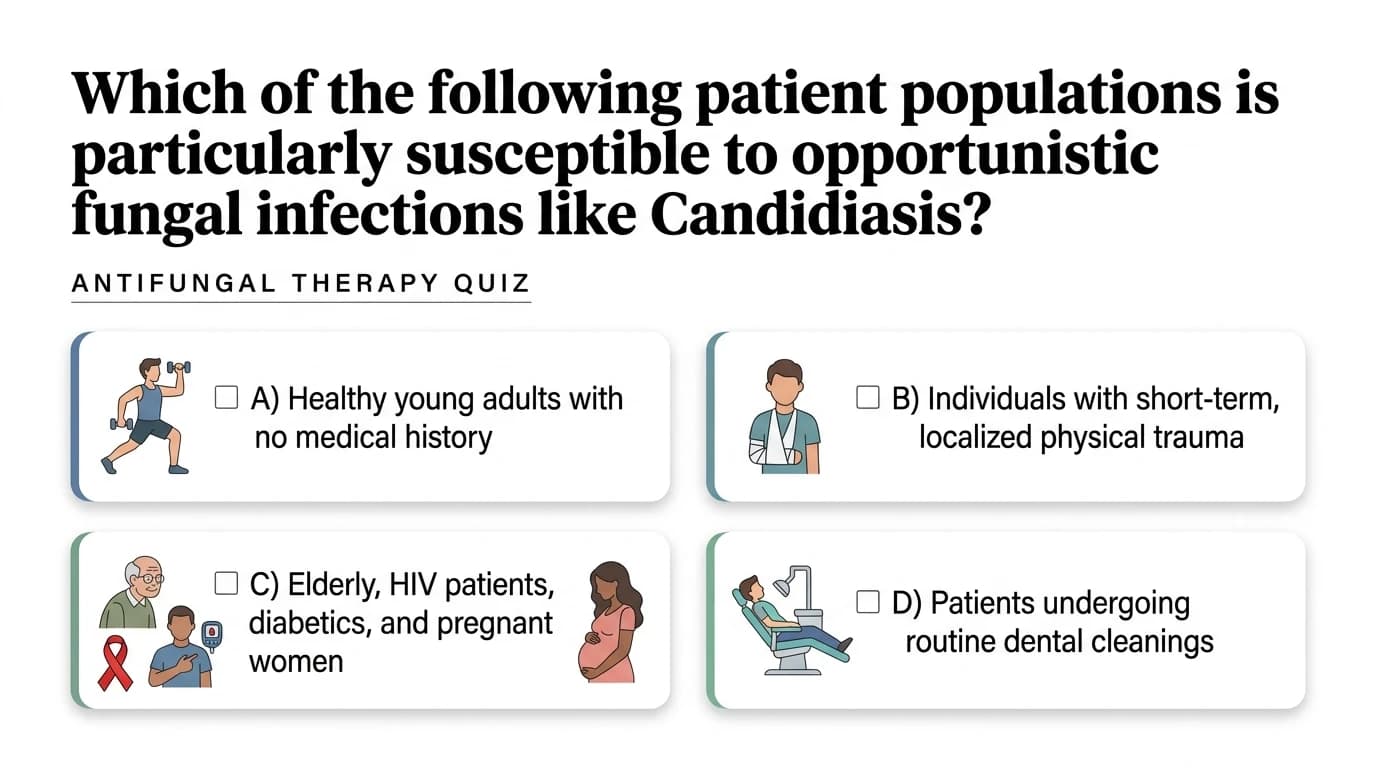
Practice quizzes from any lesson.

Fill-in-the-blank review.
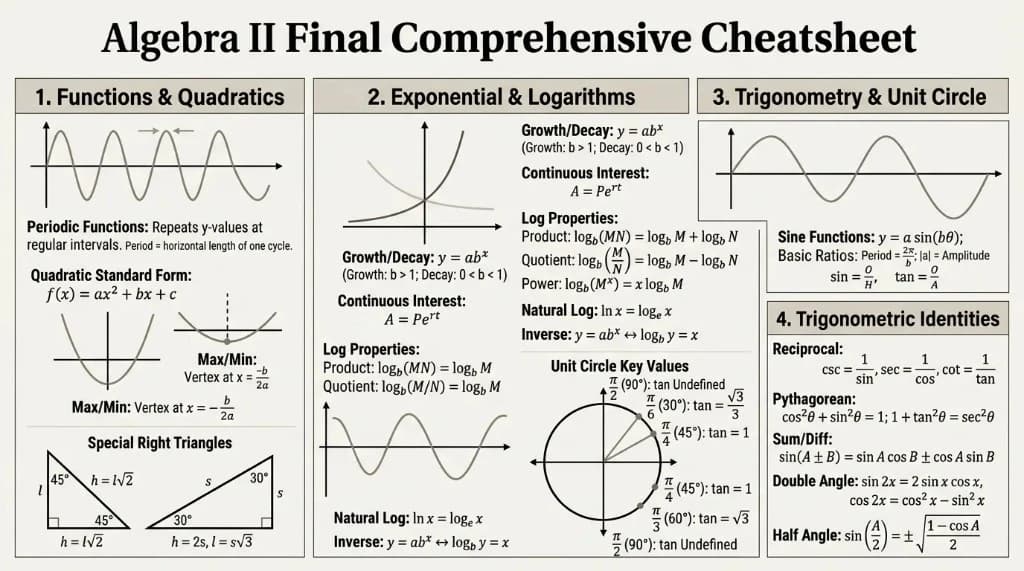
Math formulas, one cheat sheet.

Language learning, one page.
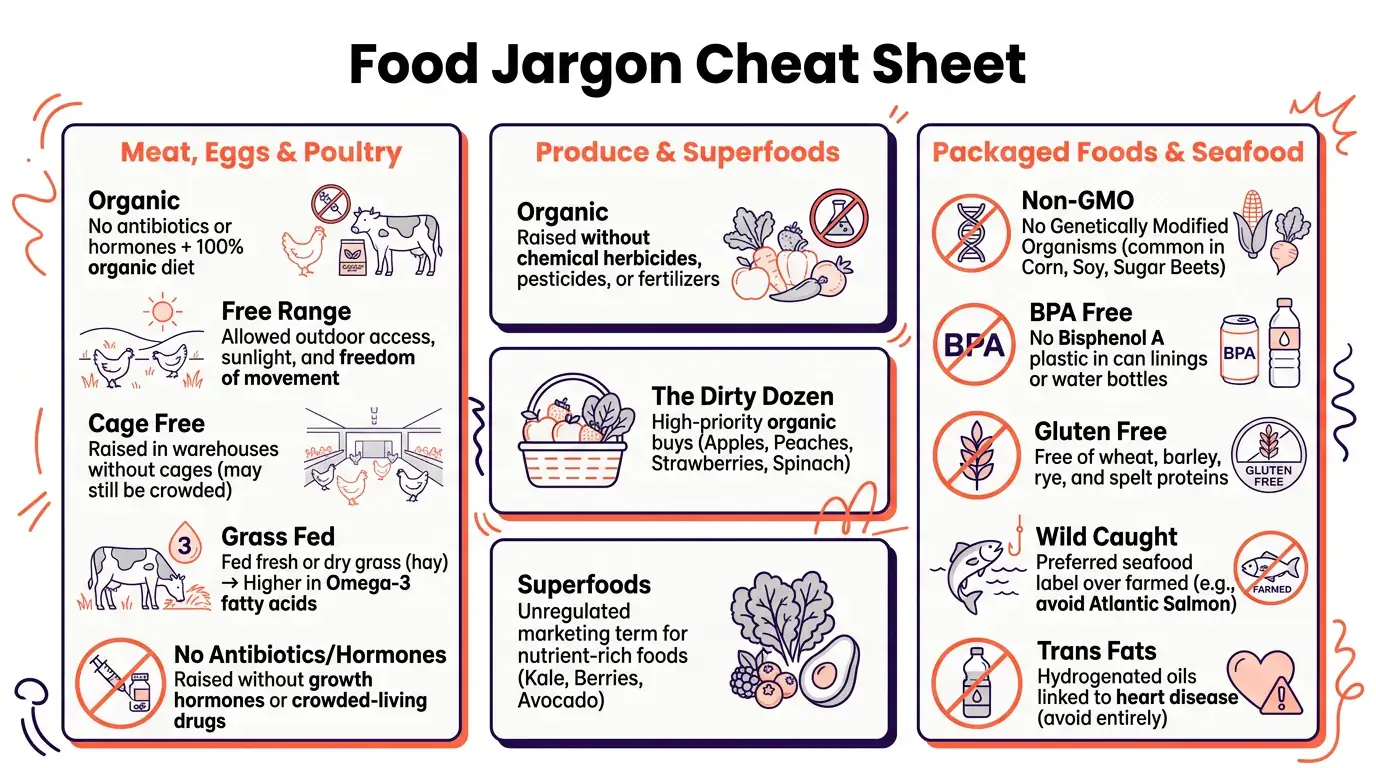
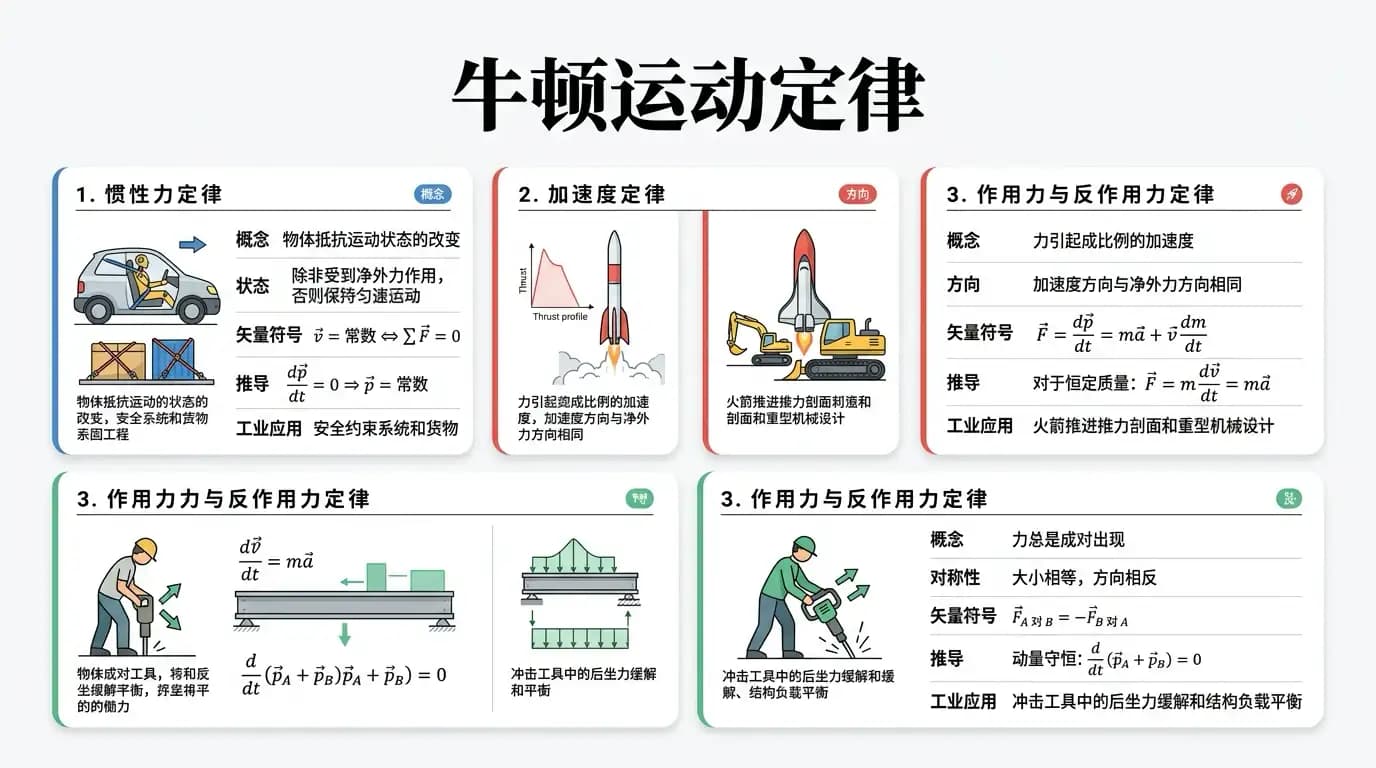
“We explore the visual together at the table.”
“I build one interactive visual from our whole lesson. At the kitchen table we click different parts to expand details—my kids stay engaged instead of drifting off to worksheets.”
“Infographics beat hours of prep.”
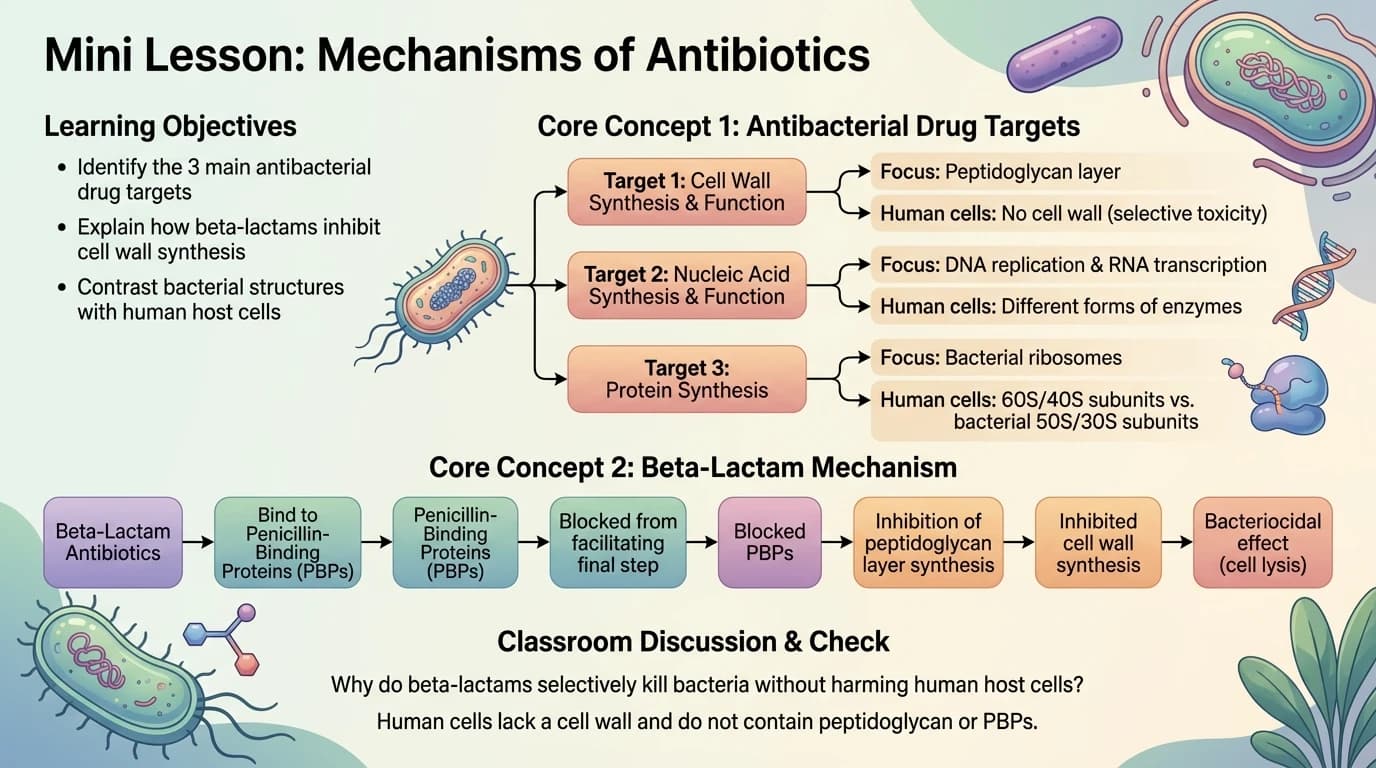
“The Infographia agent turns dense curriculum chapters into scannable lesson visuals. I use it when I need a clear overview I can teach in minutes, not hours of planning.”
“Cheatsheet agent saves our review days.”
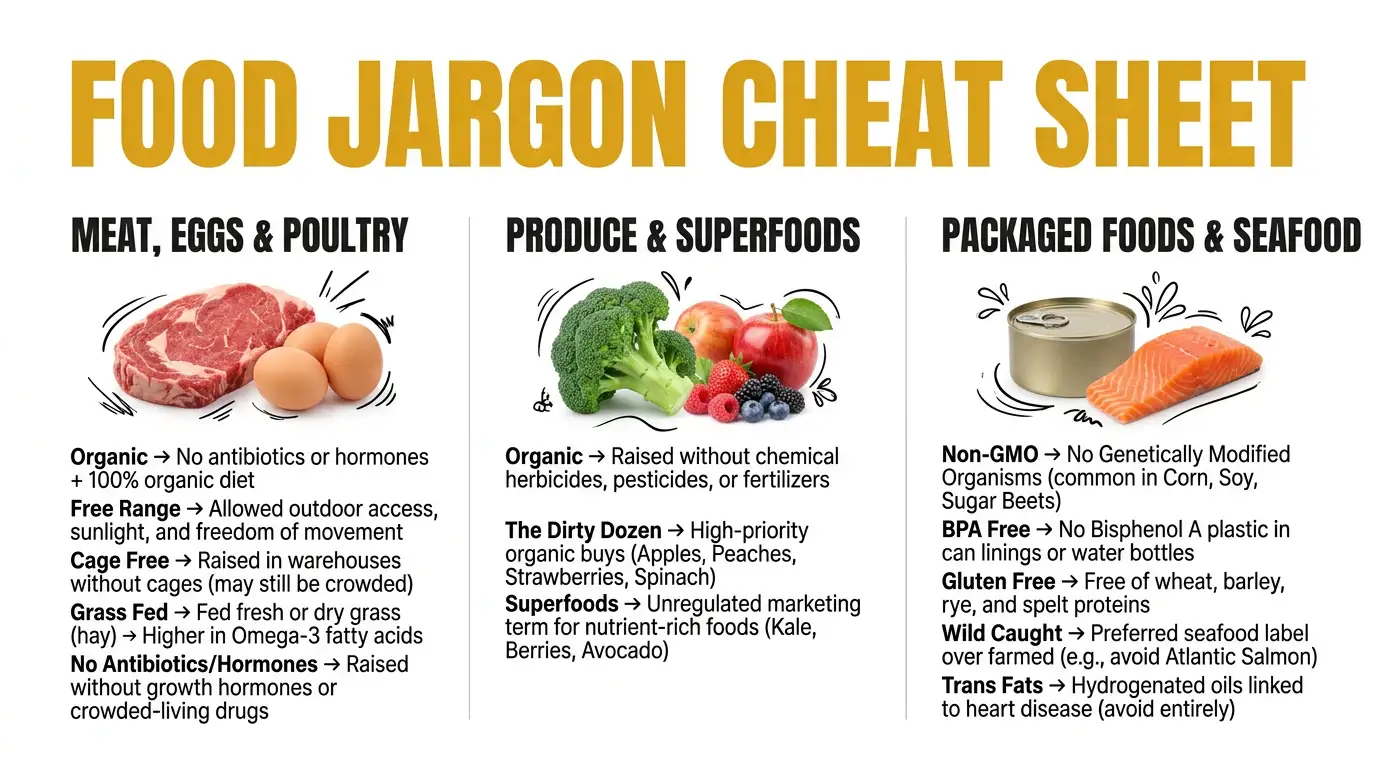
“Before a unit test I pick the Cheatsheet agent on our lesson notes. One dense page with definitions, formulas, and key terms—instead of copying dozens of pages into a binder.”
“Click any part and teach from it.”
“I don't just show the visual—I click sections for AI explanations and deeper details during our lesson. Teaching through the visual keeps my kids asking questions instead of zoning out.”
“Quiz agent turns lessons into practice.”
“After I build a lesson visual, I switch to the Quiz agent on the same material. Practice questions appear without me writing them—and I spot gaps before our unit check-in.”
“Different agents for different subjects.”
“Infographia for history, Cheatsheet for science formulas, Classroom Pack for full unit reviews, Quiz before every test. Built-in education agents mean I'm never stuck with one generic summary.”
We never use your data to train our AI models, never share your data with others, and your information always remains yours.

MyLens helps homeschooling parents turn complex learning materials into clear visual summaries, making lessons easier to explain and understand.
Yes. MyLens can summarize educational materials and organize key ideas into timelines, mind maps, tables, and flowcharts that parents can use in lessons.
Yes. MyLens is especially useful for visual learners because it transforms text-heavy content into clear, structured visuals.
Yes. MyLens can use YouTube videos as input and create visual summaries from the key ideas.
Yes. Parents can upload PDFs, long text, links, images, CSV/Excel files, and more.