



Board Decks & Meetings
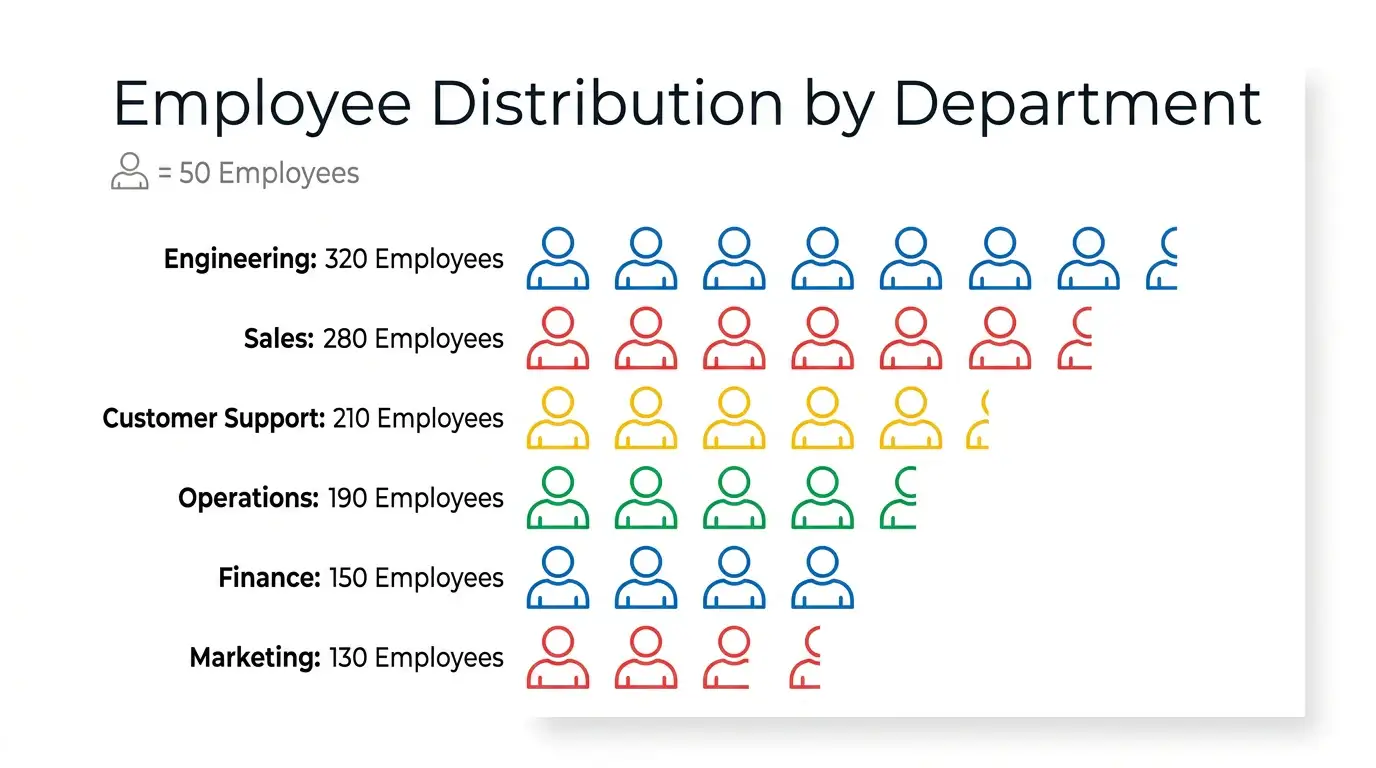
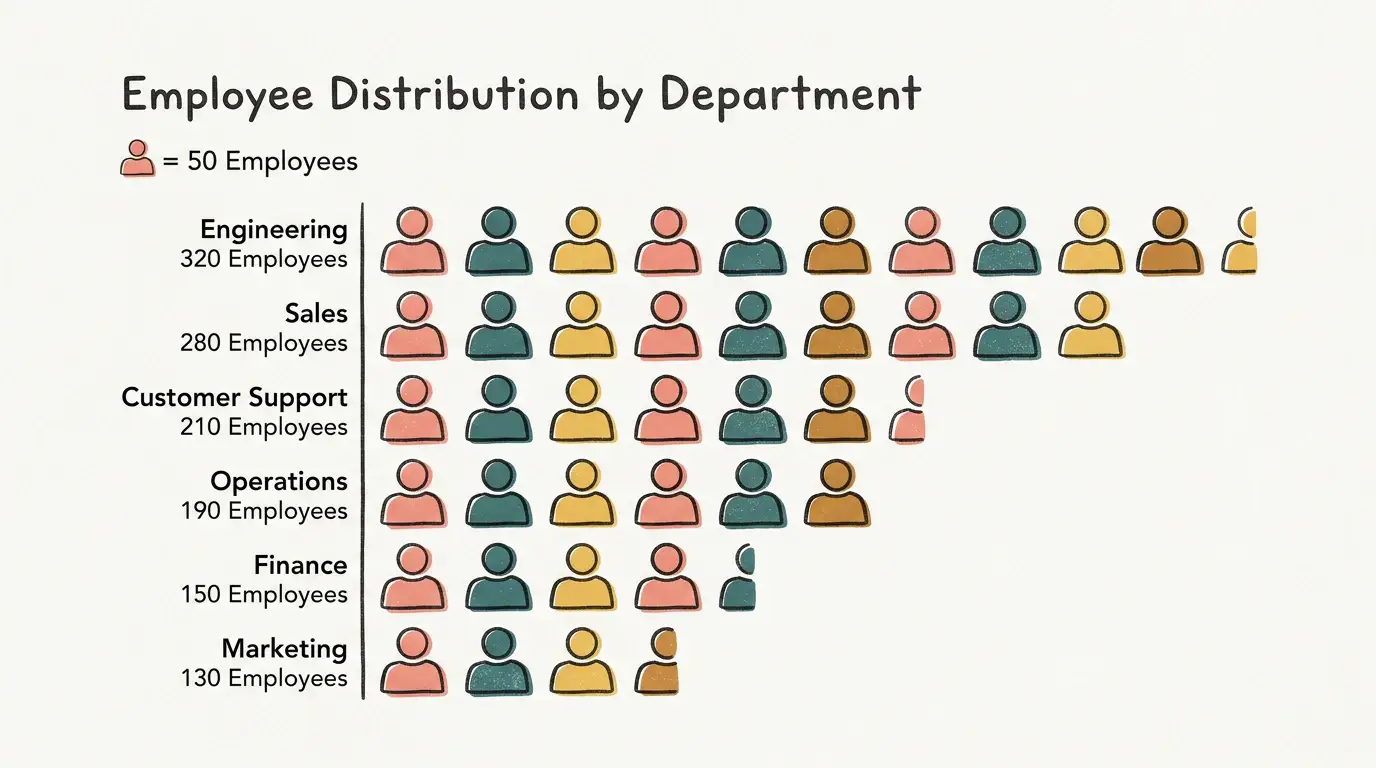
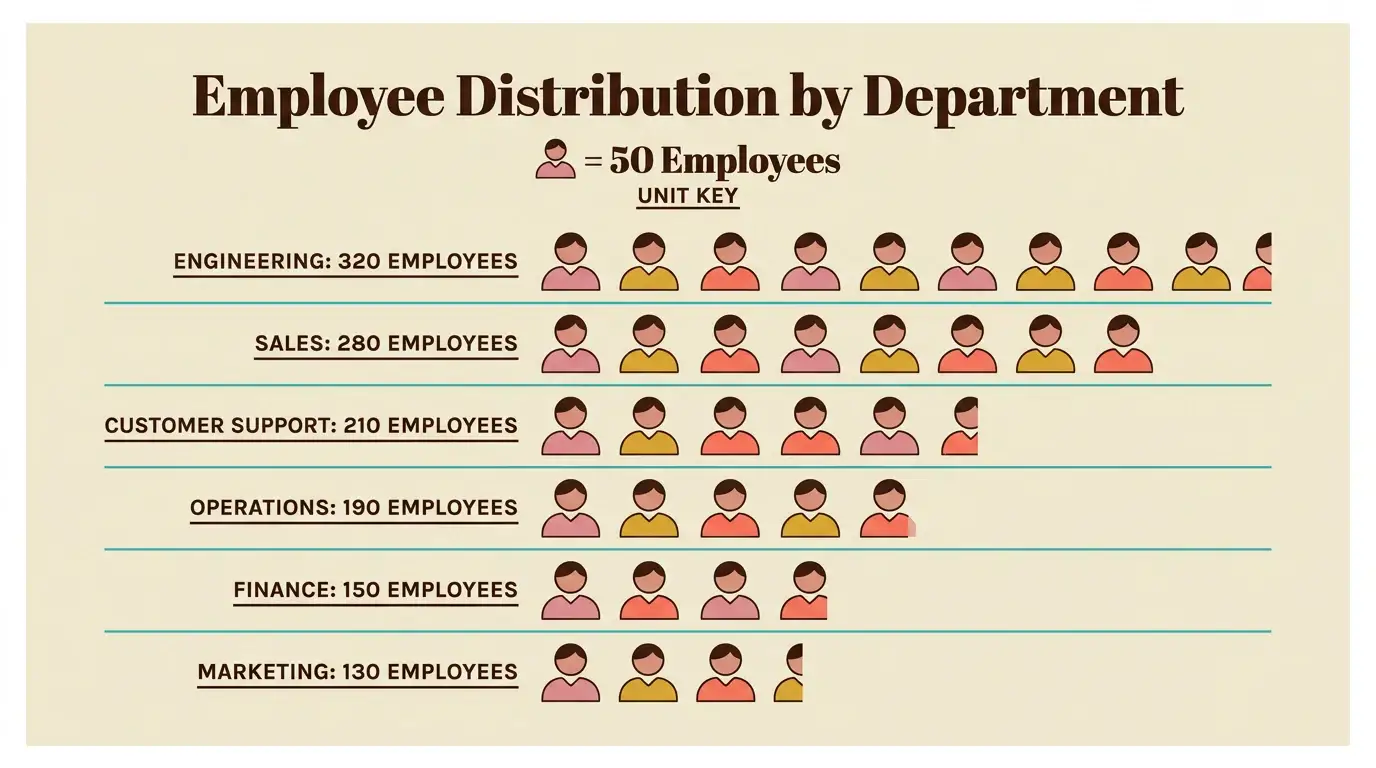
Make headcount or volume stories memorable on one slide.Create Relatable AI Pictorial Unit Bars
Paste counts and a unit key—MyLens builds a clickable Pictorial Unit Bar.
Restyle with unlimited themes when icon rows need to feel concrete and scannable.
Loading composer
What to visualize?
Same visual. Endless theme looks.
Switch colors, typography, and layout in one click—pick the style that fits your audience.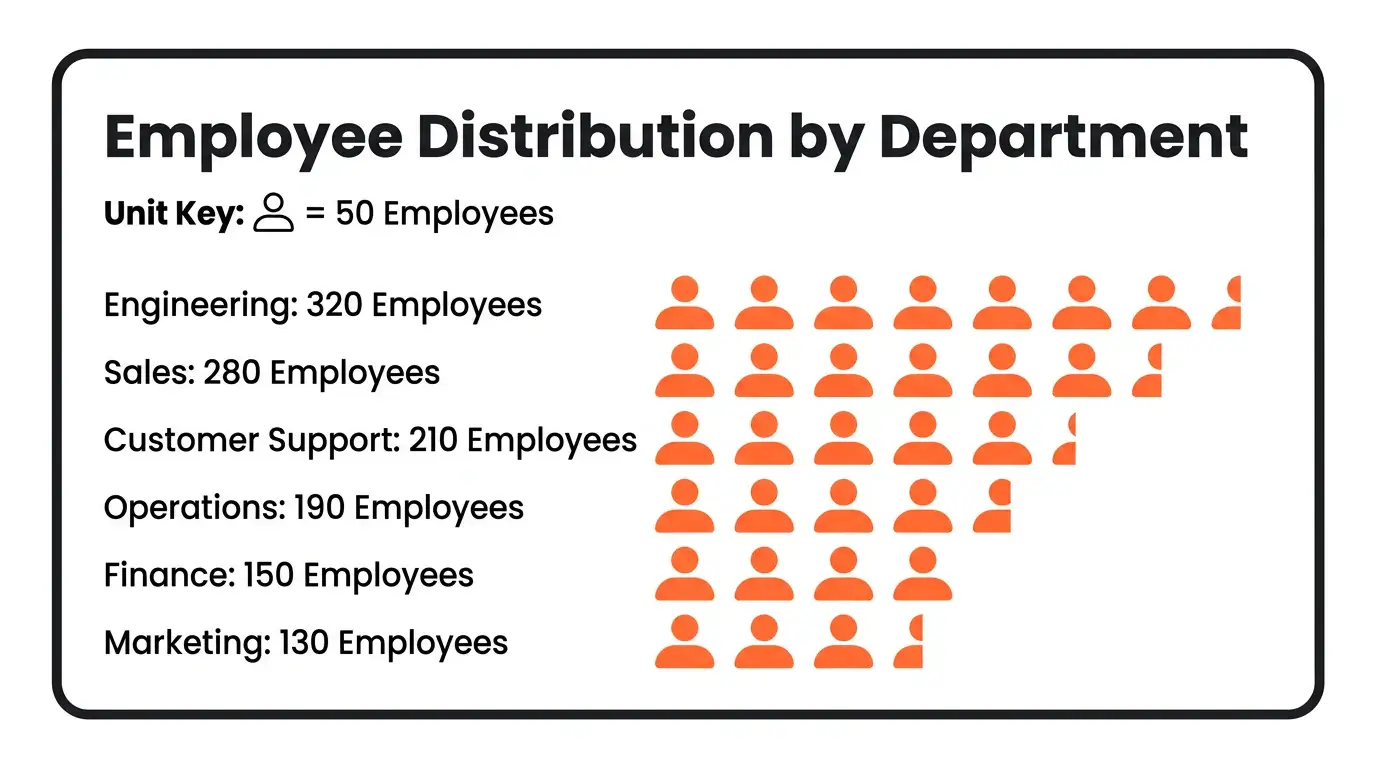
Hear Your Visual Come Alive
One click turns a silent diagram into a guided walkthrough—AI narrates the story while you keep exploring every clickable part.How It Works
Use Pictorial Unit Bars Anywhere
Reports & Briefs
Replace bare numbers with icon rows and a unit key.Websites & Articles
Embed an interactive pictorial bar so readers grasp scale.Teaching & Workshops
Click a row live to explain what one icon represents.Safe and secure
We never use your data to train our AI models, We never share your data with others, Your information always remains yours

Questions & Answers
An AI Pictorial Unit Bar generator turns text or documents into an interactive Pictorial Unit Bar following a dedicated gallery guide—so structure stays consistent and every part stays clickable.
Describe your content or upload a source in the magic box. MyLens locks to the Pictorial Unit Bar visual, builds a Canvas diagram that follows the guide, and lets you edit and explore it interactively.
MyLens Pictorial Unit Bars are interactive, not static images. Click parts to explain, dig deeper, or check citations—and unlimited themes let you restyle for each audience.
Paste categories with values plus a unit key (e.g., 1 icon = 100). MyLens repeats icons and keeps rows clickable.
Yes. Export from MyLens in formats such as PNG, PDF, and PowerPoint for reports and presentations.
Yes. MyLens lets you create Pictorial Unit Bars for free so you can try the full interactive experience before upgrading.
Yes. Explore more visuals from the Visuals hub, including Sankey Flow, Timeline, Mind Map, and more.